
Loading page…
Move from generic online quizzes to structured, defensible assessments aligned with your training standards, customer requirements and internal matrices.

Element Tree
Navigate
Candidate: AB PETER IVANOV
Mode: Proctored · 45 mins · 30 questions
First attempt
0% score
Areas to revisit
Cargo plan validation, enclosed space checks
Time windows, attempt limits, section rules, safe navigation and controlled movement between questions.
Face capture, environment checks and screen monitoring – enabled only where the sensitivity justifies it.
First/second attempt scoring, question weights, topic-wise analytics and pass/fail bands.
Map questions to videos and modules in Learn LMS so you know whether training is working.
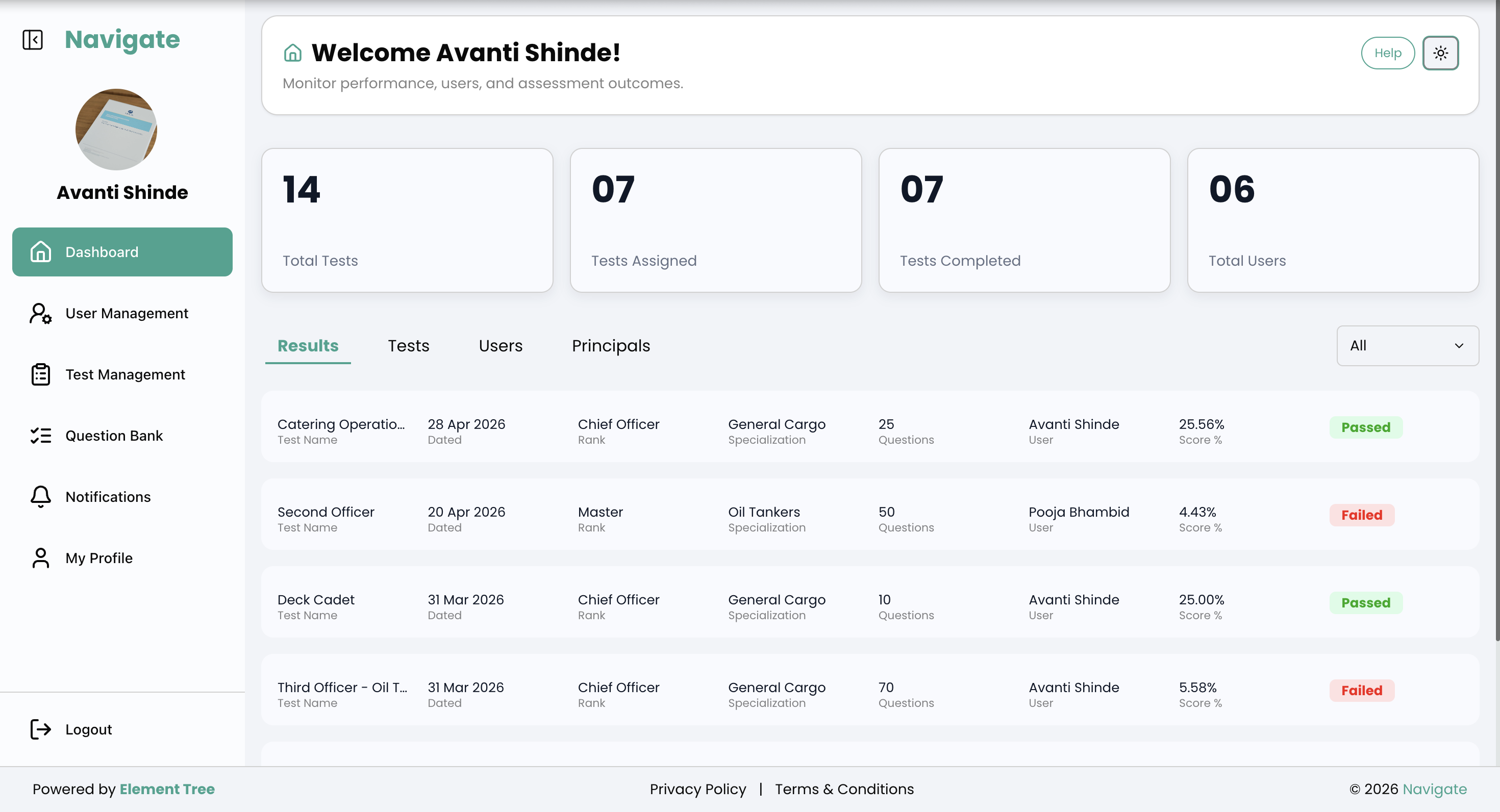
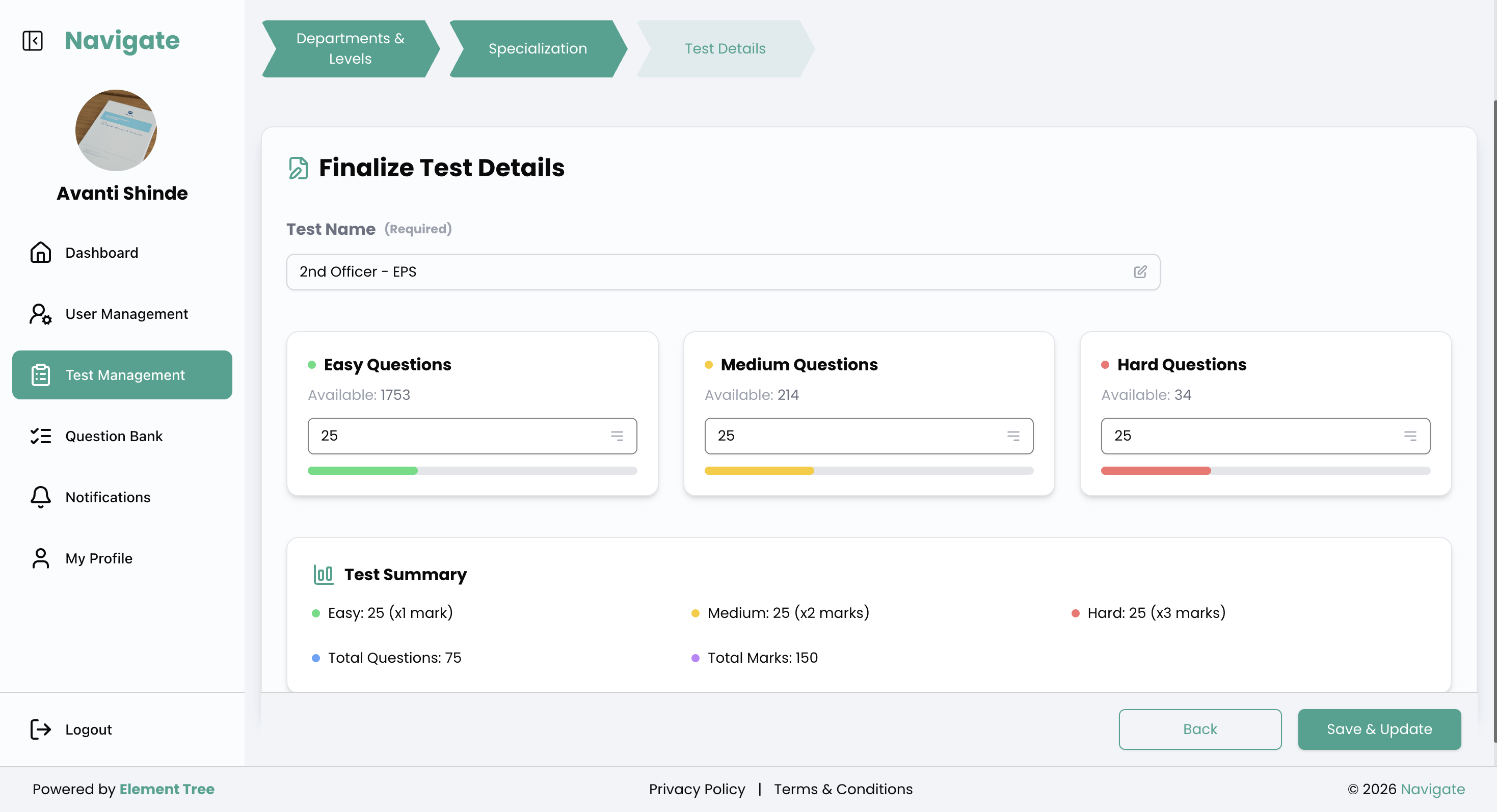
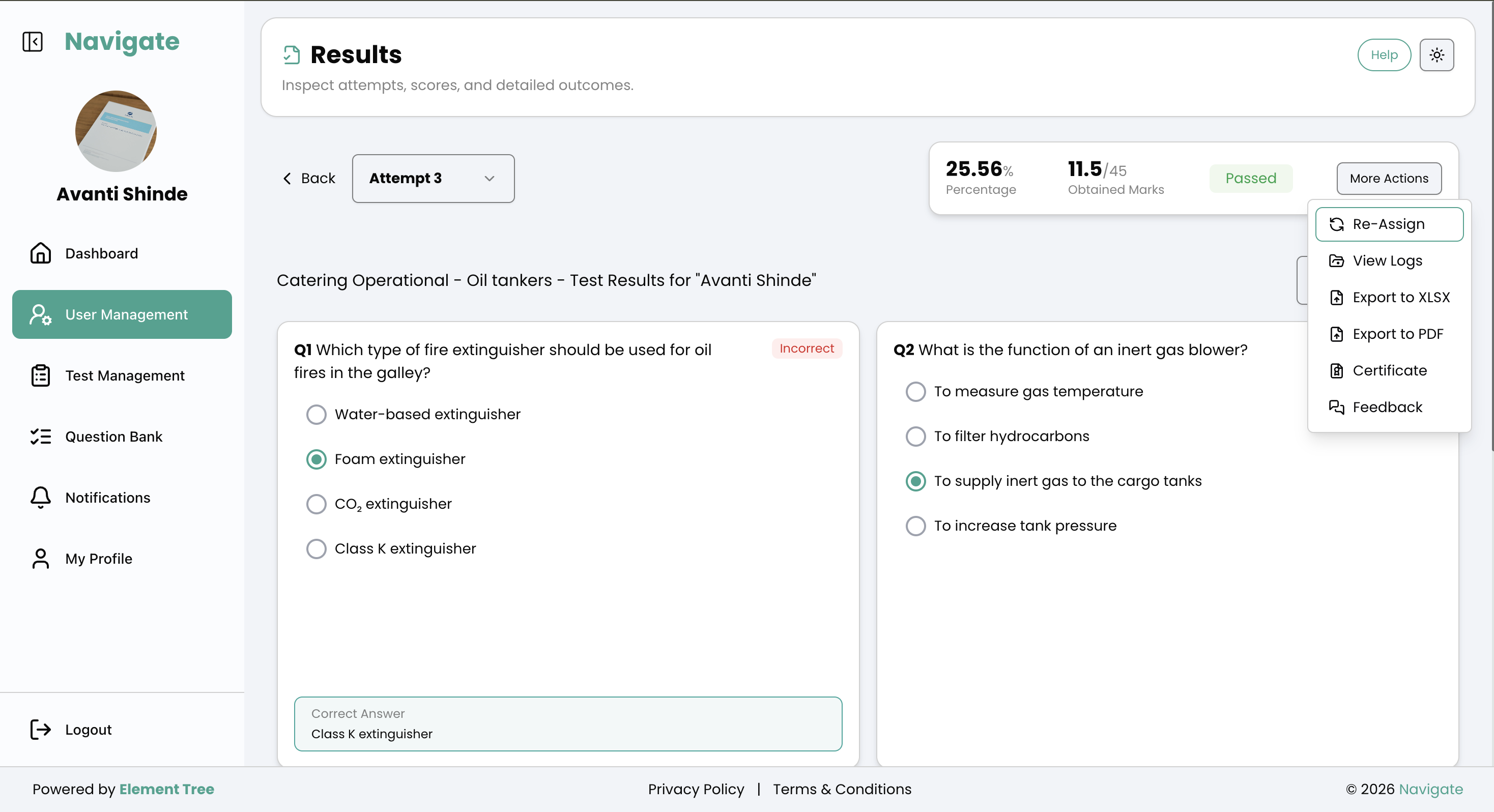
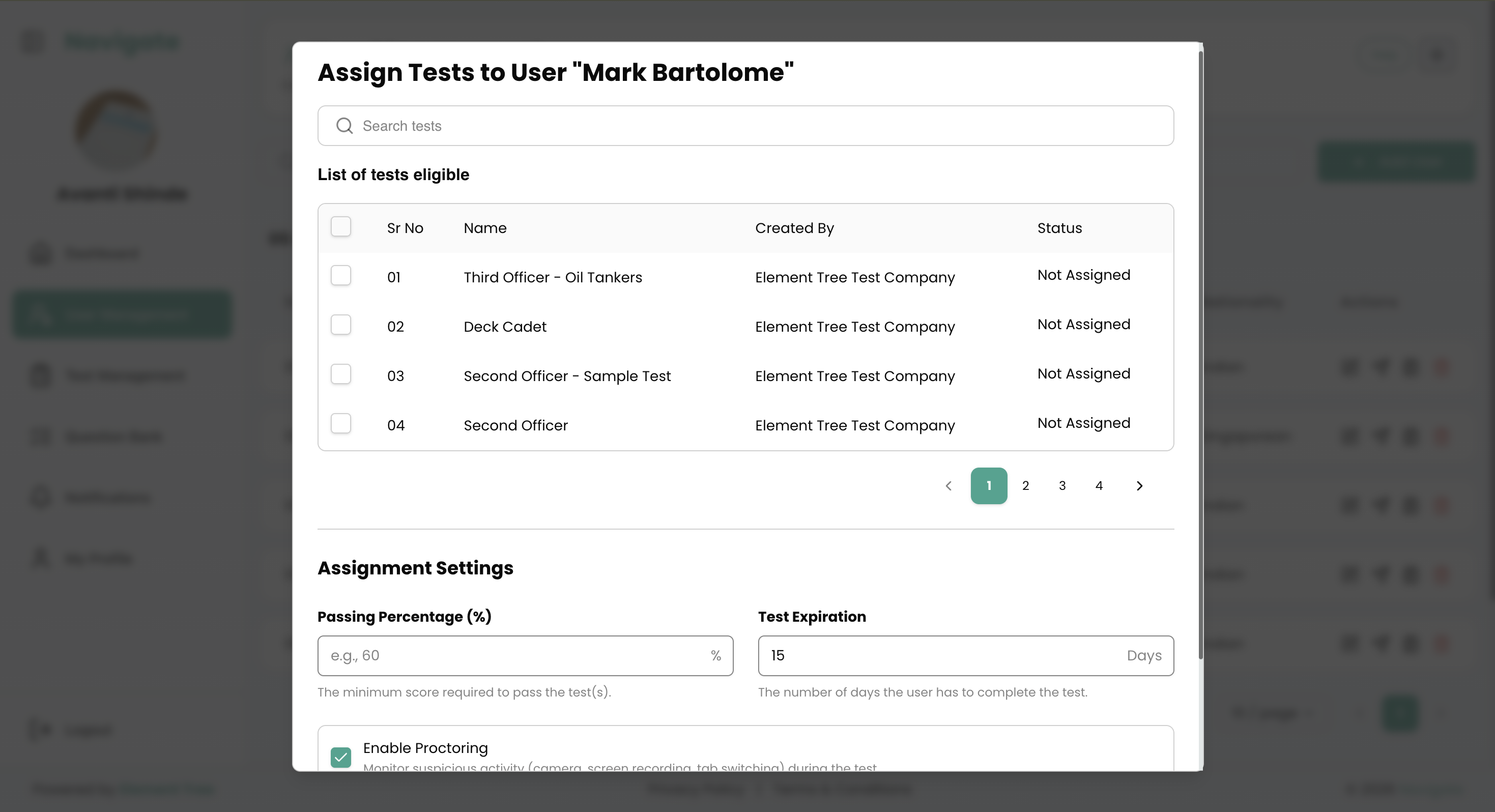
Role-scoped access with per-company data isolation, tests snapshotted at assignment so in-flight attempts can't change, server-side scoring, timed expiry, and full audit logs
Optional per assignment. When enabled: live webcam face and lighting checks, periodic identity photo matching against a stored reference, multi-screen detection, and instant mismatch alerts with reviewable proctoring logs.
Auto-scored on submission against stored answers — marks, percentage, and pass/fail against the passing percentage you set. Instant results with per-question breakdown, exports, and reassignment for failures.
Yes. Dashboards track pass rates, recent scores, and attempt history per user and per test — mapped to STCW functions and competencies by rank, so competency gaps are visible and exportable.
Maritime companies, ship managers, and principals verifying crew competency — across Super Admin, Company Admin, and seafarer roles.
See Navigate with your own content
Share a sample of your question bank or competency matrix and we’ll show you how it looks inside Navigate – from login, to exam, to analytics.